
AirTre

For employers: AirTre.biz

Use employee activity to plan
your next wellness initiative.

Employees log their steps and workouts in the app. Wellness leads can use the admin tool to see how many employees were active and on how many days they logged activity.

An employee looking at a smartphone while eating lunch at work
Employees can log daily activity in the app, including during lunch breaks. Coordinators review participation in the admin tool.
Features

Plan your next wellness initiative based on daily activity.

Employees use the app for short workouts and health logs. Coordinators can use the admin tool to see participation across the workplace.

Key features and benefits

Product screens use sample data and no personal information. Select an image to see it in detail.

01Employee app

20-second workout videos and daily logs

Follow short workout videos and log steps, meals, water intake, and more in the app.

Benefit Employees who can’t set aside a longer block of time can still take part during lunch or between tasks.
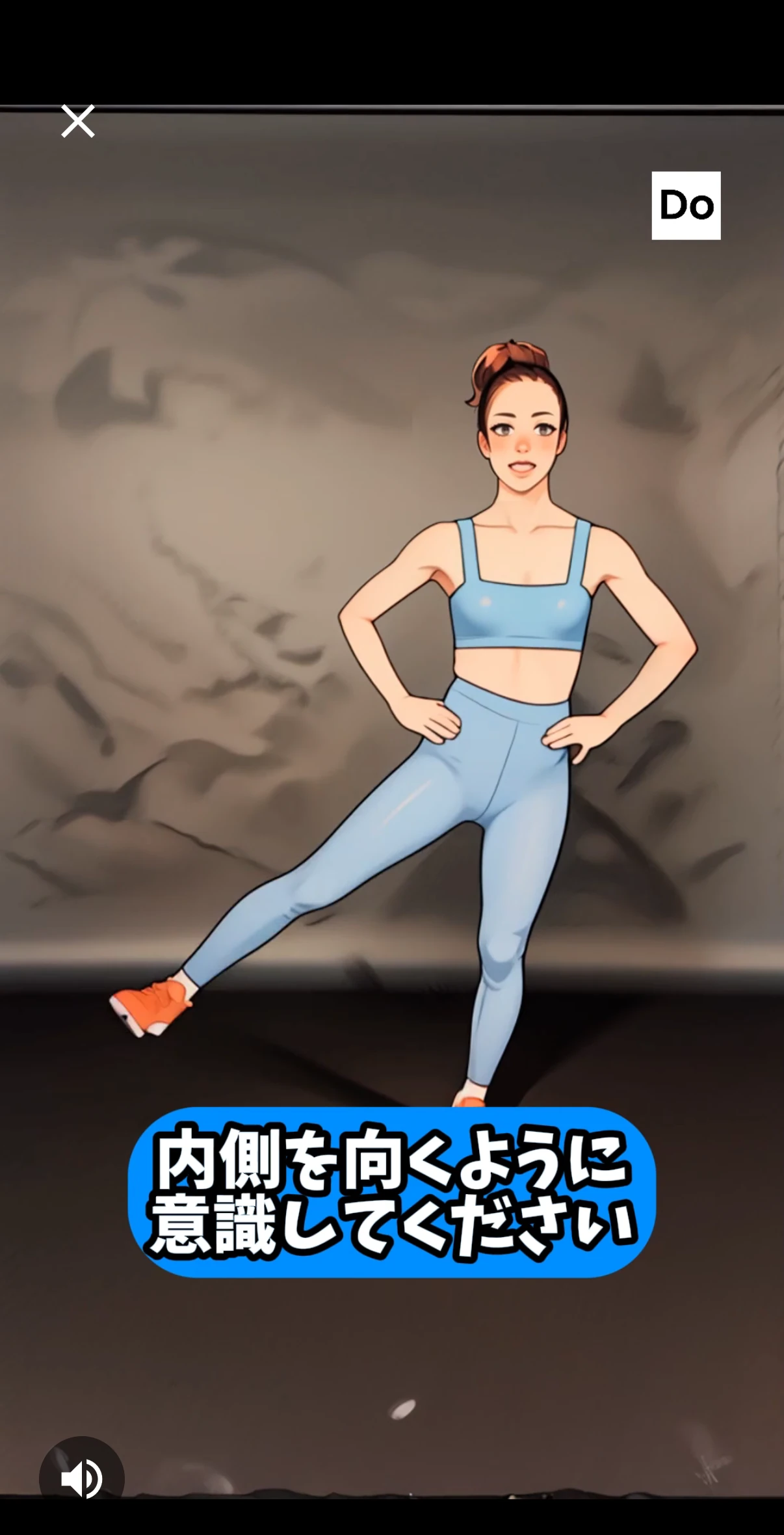
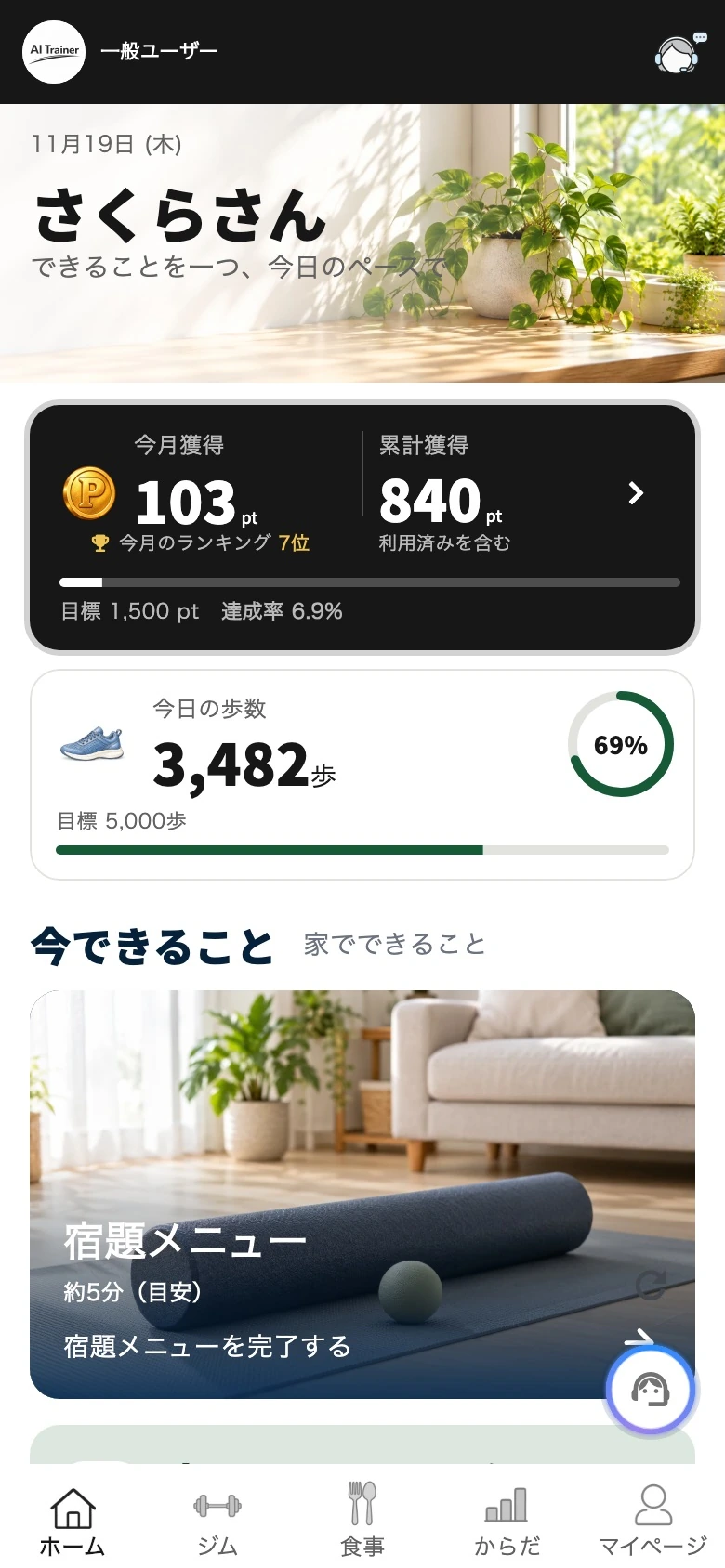
Play a 20-second workout
Review steps and logs on Home
02Admin tool

Activity dashboard

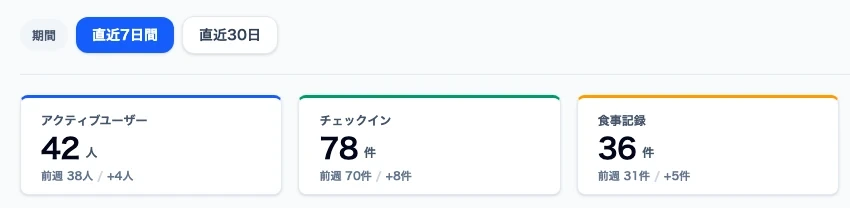
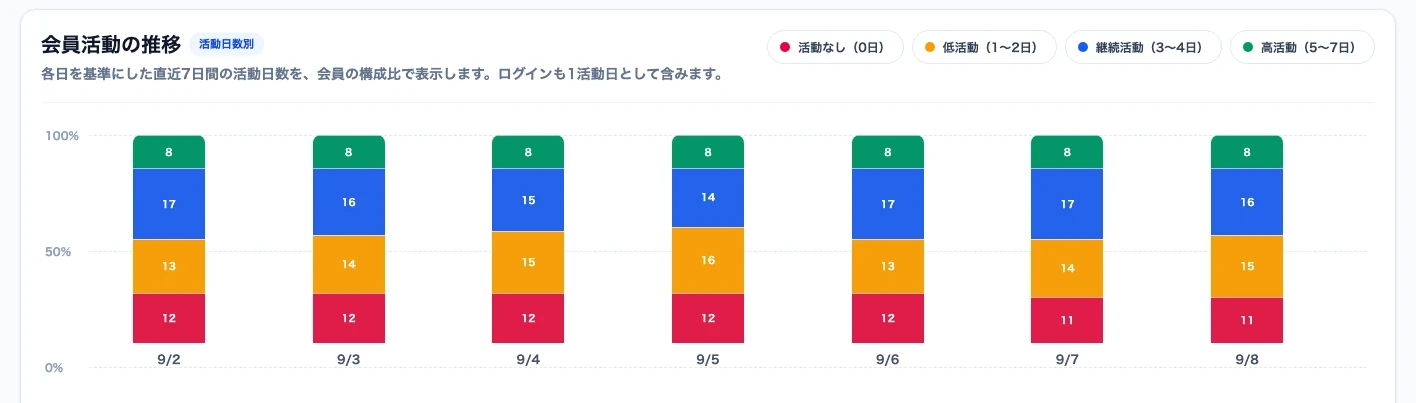
Review active user counts, check-ins, meal logs, and exercise activity over the last 7 or 30 days. What gets counted depends on company settings.

Benefit See when participation rose and which activities picked up to inform your next initiative.

Check the date range and activity counts
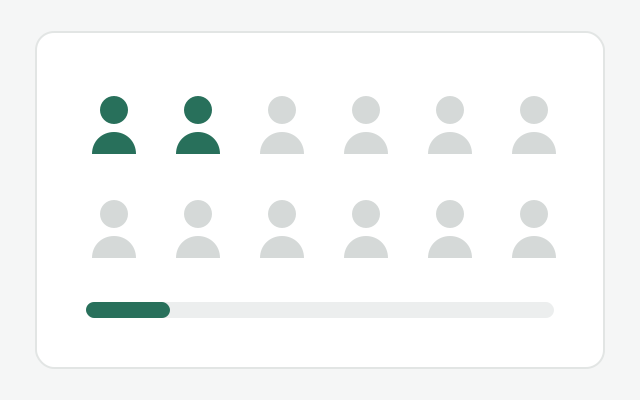
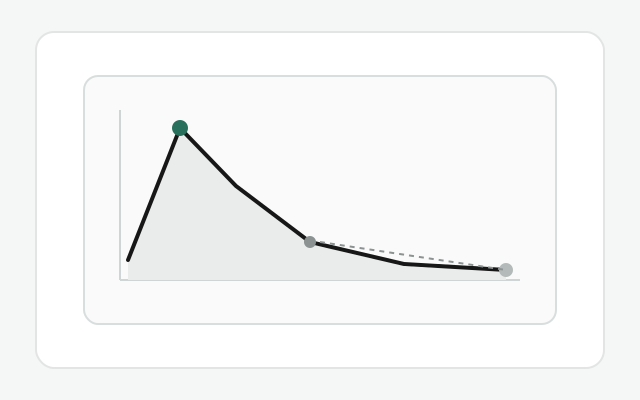
Review the distribution of active days
03App and admin tool

Announcements, activity reports, and follow-up

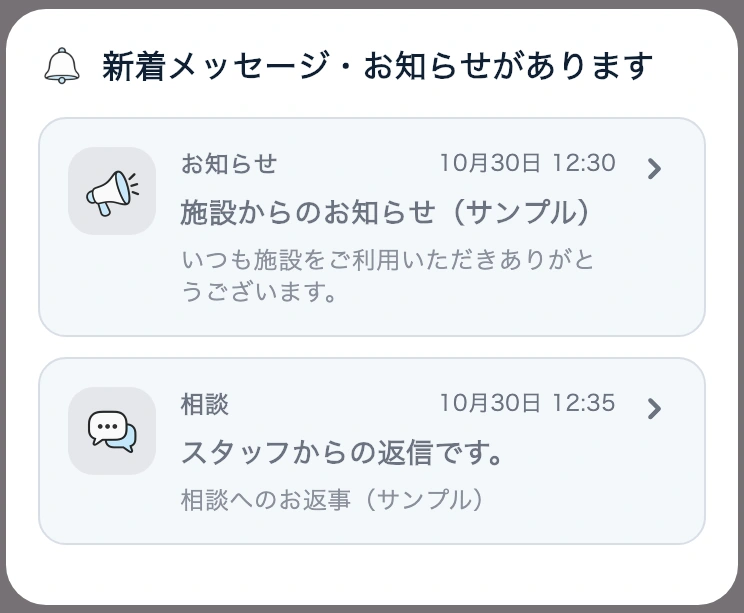
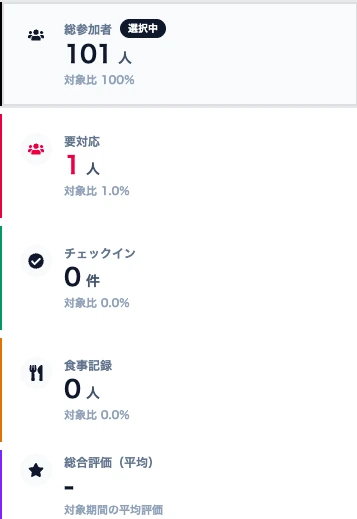
Publish program announcements in the app. Authorized staff can review activity in reports and follow up as needed.

Benefit Send announcements to everyone and follow up individually when needed.

Receive notices and replies in the app
Review activity in the admin report
04Admin tool and employee app

Company points and rewards

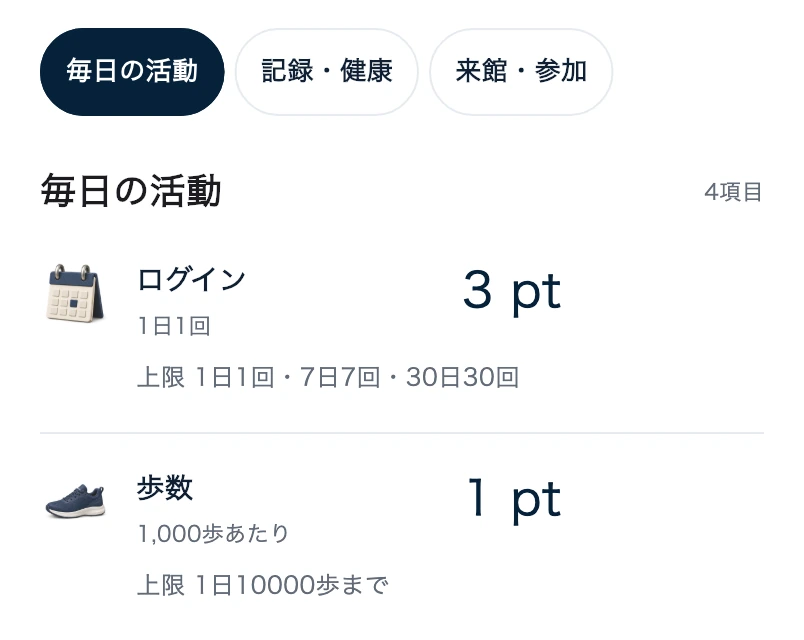
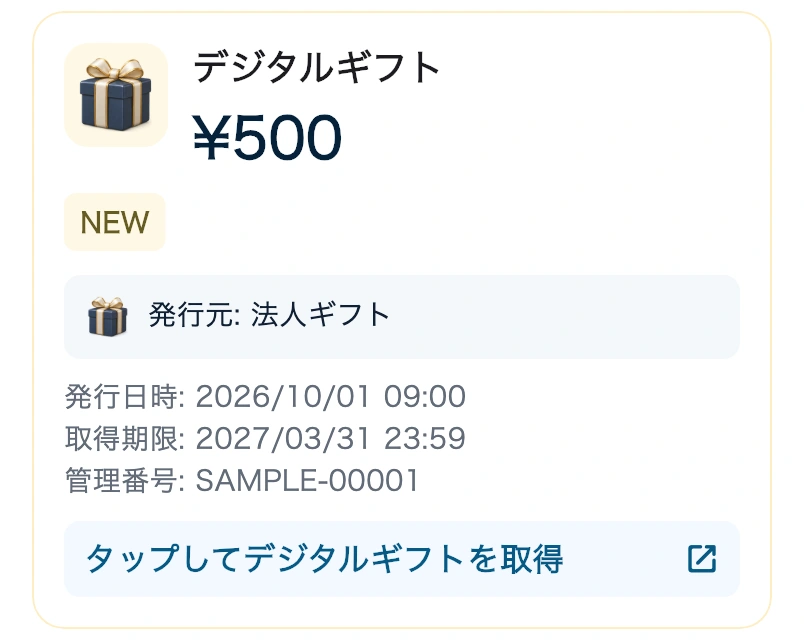
Check which activities earn points, such as walking or exercise. Keep taking part and meet your company’s eligibility rules to receive rewards such as a ¥500 digital gift.

Benefit Give employees a reason to stay engaged that fits your company’s program.

Explore points and rewards →
Check which activities earn points
Example reward: ¥500 digital gift
Example workflow

Use a 20-second lunchtime workout to inform your next announcement.

  1. Invite employees to take part

    Choose a workout video employees can try at lunch, then announce it in the app.

  2. Compare participation with the previous week

    Review active users and the breakdown of active days over the last 7 days. See whether more people took part for one day or kept it up over several days.

  3. Decide what to try next

    If employees say lunch is a difficult time to participate, adjust when or what you announce—for example, choose a workout they can also do in the morning.

Review employee participation in the admin tool.

Explore the demo with sample data.

Request information or discuss setup → View the admin tool demo ↗