
AirTre.biz and AirTre.gym Launch Support Program
For gyms and other businesses:
Three spots per group every month, first come, first served
Application period: November 23, 2026–January 31, 2027
In November, December, and January, we accept applications from three gyms and three other businesses each month, in the order received within each group. A total of 18 organizations can participate over the three months.
- Setup fee for eligible plans
- ¥0
- Service fees for eligible plans
- First three months free from the start of service

AirTre for businesses and gyms
Get the brochure
by email
What happens after submission
- The confirmation page shows your reference number.
- You’ll get a confirmation email, including the brochure link if requested.
- If you requested a consultation, our team will email you.
Submitted
We received your request
If the email doesn’t arrive, check your spam folder.
Reference:
Back to homeWhat’s in the brochure
Select “Request information” and submit the form. We’ll email you a link to the service brochure.
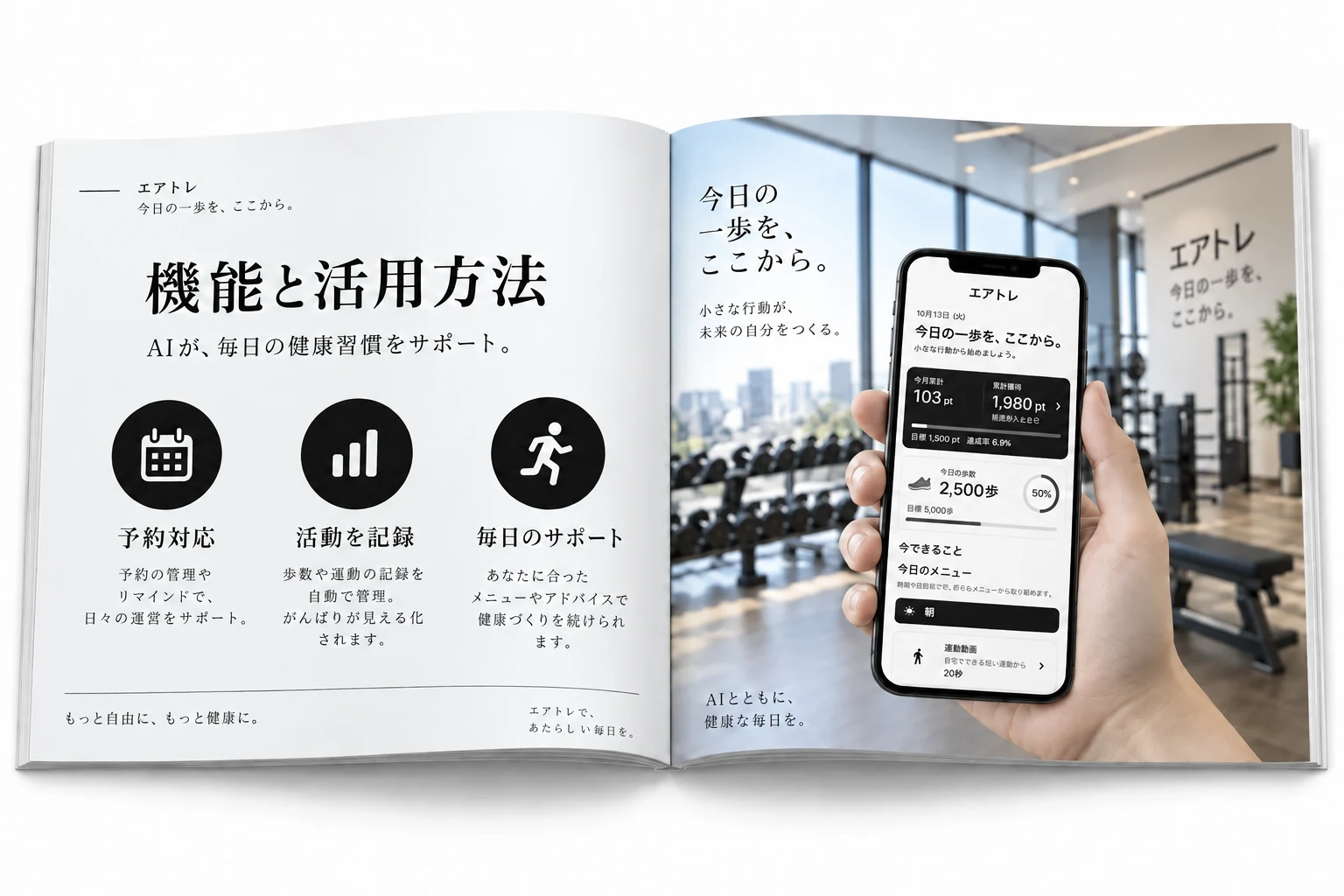
Features and how to use them
Explore features and examples for workplace wellness programs and member workout tracking.

Getting started
Find out what to prepare and what to expect, from your first inquiry to setup and launch.
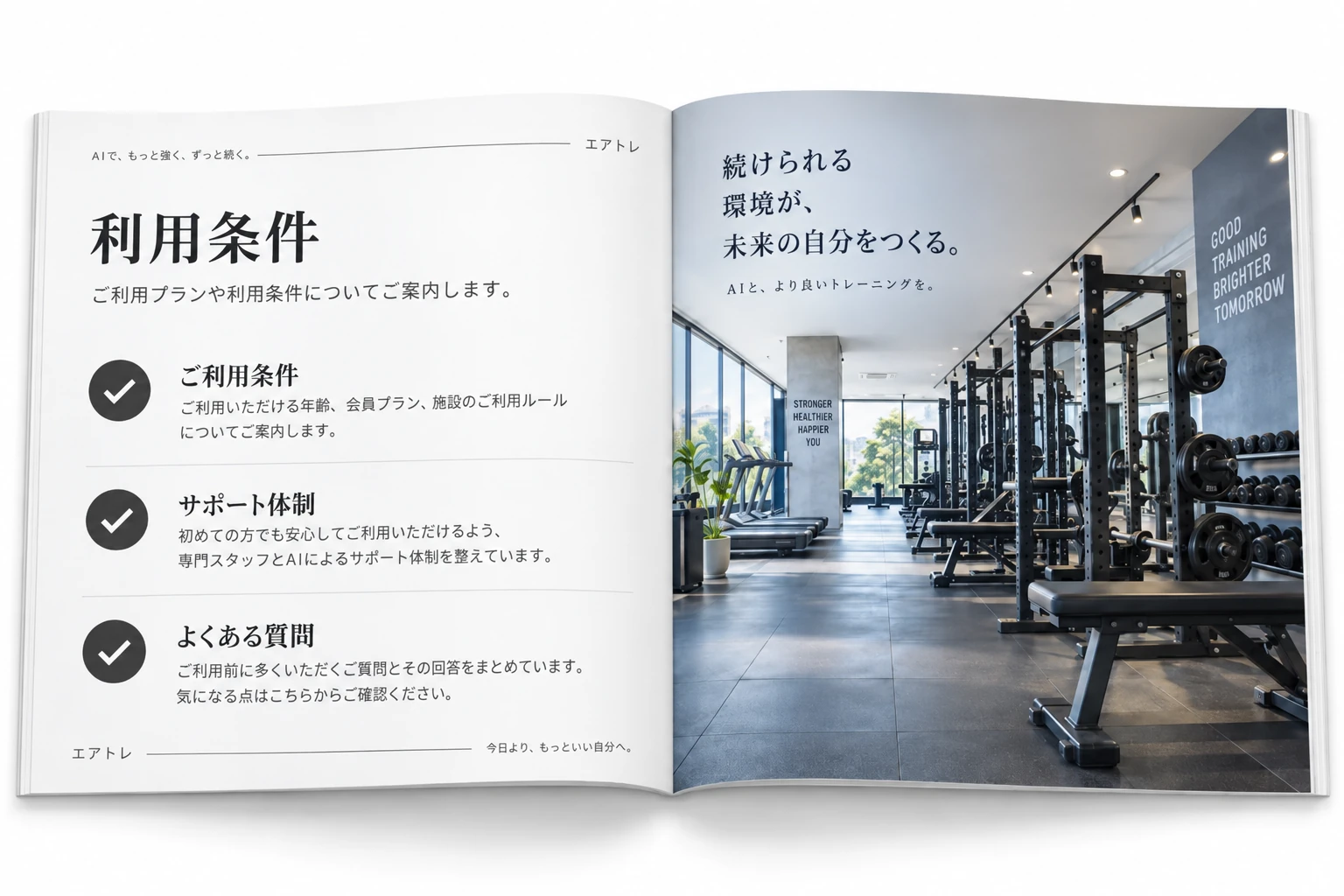
Terms of use
Review the terms of use, available support, and other points to check before getting started.
AirTre.biz and AirTre.gym
Request information or book a consultation
Tell us what you’re considering, whether it’s a workplace wellness program, managing gym training logs, or checking compatible InBody models.

How to apply for the Launch Support Program
- Under “What would you like to do?”, select “Consultation.”
- Choose the service you’re considering.
- Enter “I’d like to apply for the Launch Support Program” in the message field, then submit the form.
If you only want the brochure, select “Request information.”
View the admin dashboard demo ↗